
Join independently
Give keyboard roles and controllers their own input ownership and player session.
Build local multiplayer from lobby to gameplay.
Independent joining and character selection. Persistent players into gameplay. Add shared or split screen cameras when your game needs them.
Local multiplayer · 1–8 players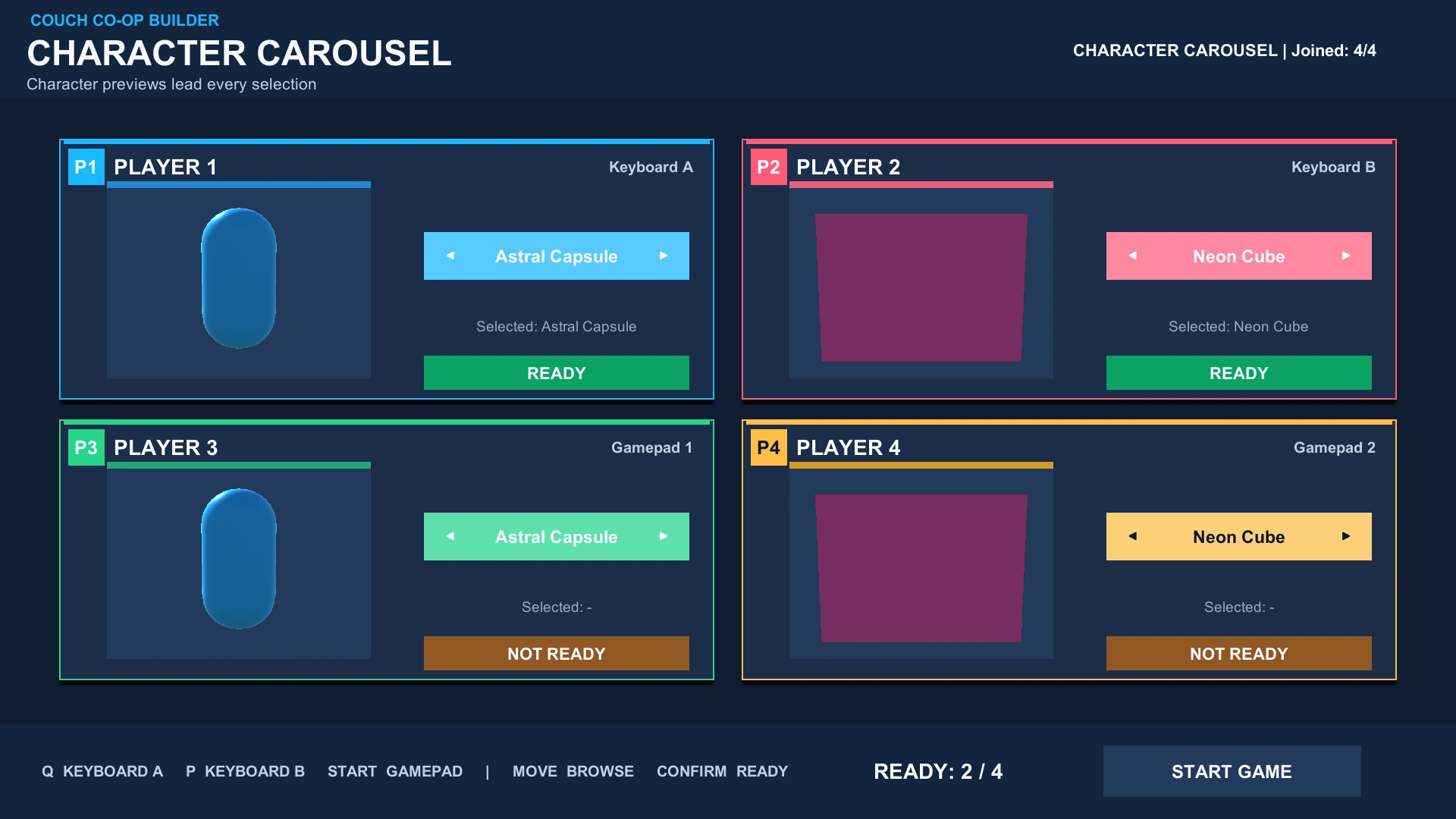
Connect the lobby, character choices and gameplay without rebuilding player ownership at every scene change.
Give keyboard roles and controllers their own input ownership and player session.
Let each player browse, confirm a character and get Ready in their own UI context.
Keep player identity and character choices as your lobby hands off to gameplay.
From independent joins to gameplay, shared views and split screen.
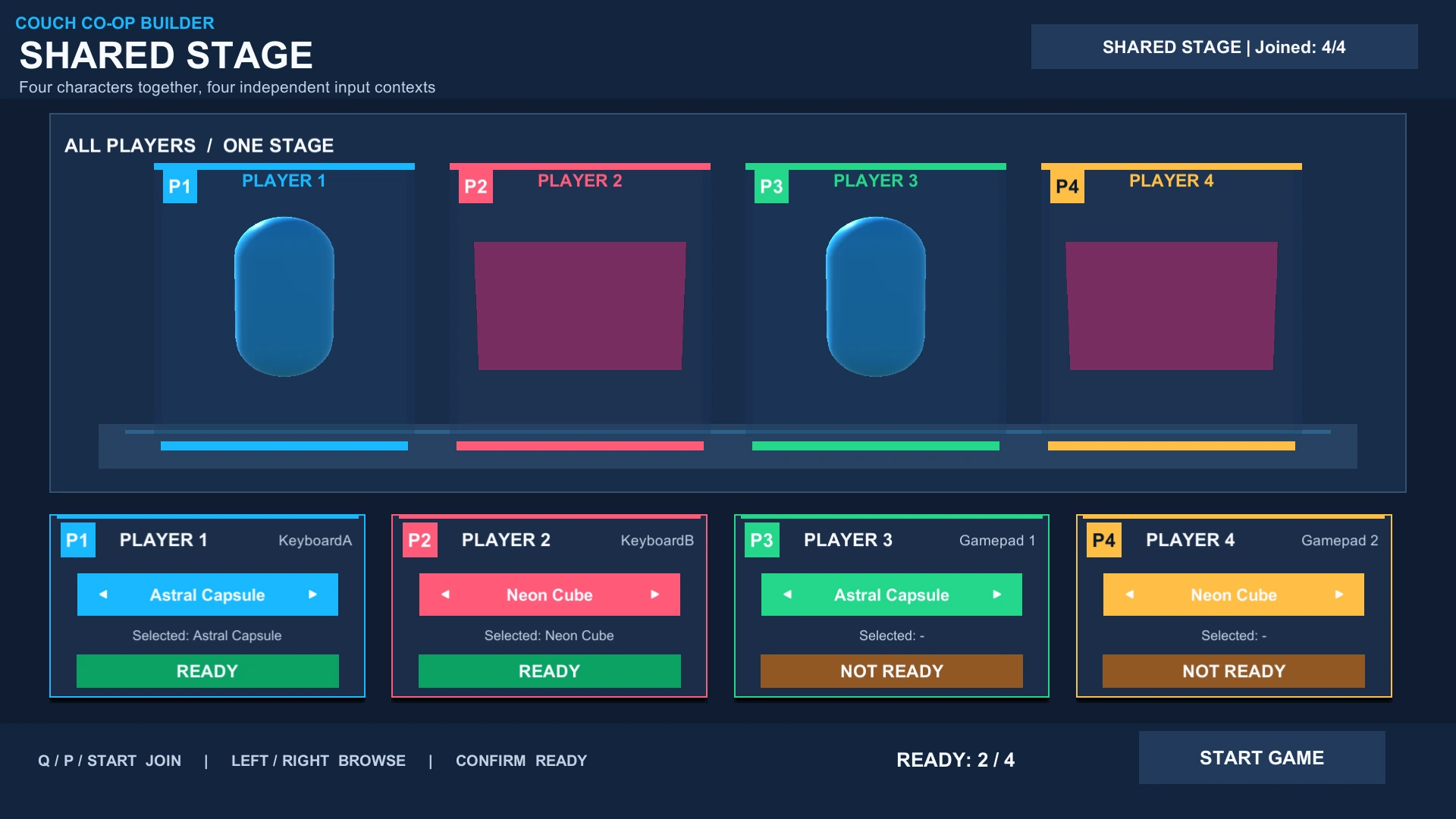
Use editable lobby presentations and a Character Catalog to connect player choices to the characters in your game.
Claim an input source.
Browse your characters.
Confirm the choice.
Launch together.
Play as your selection.
Connect your existing Canvas or start with a supplied lobby. The Setup Wizard helps wire player areas and characters; gameplay integration connects selected players to your own objects, input and rules.
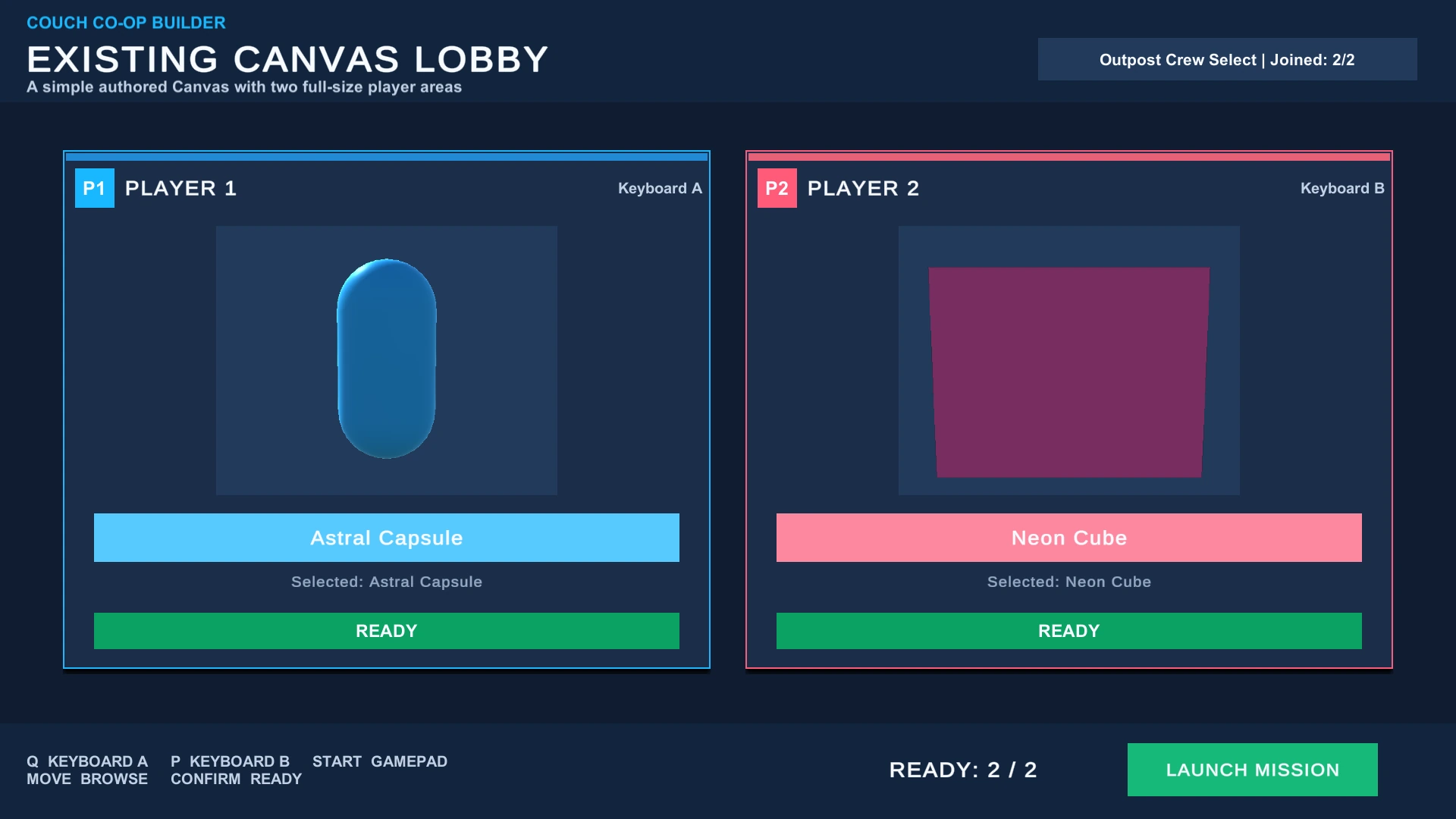
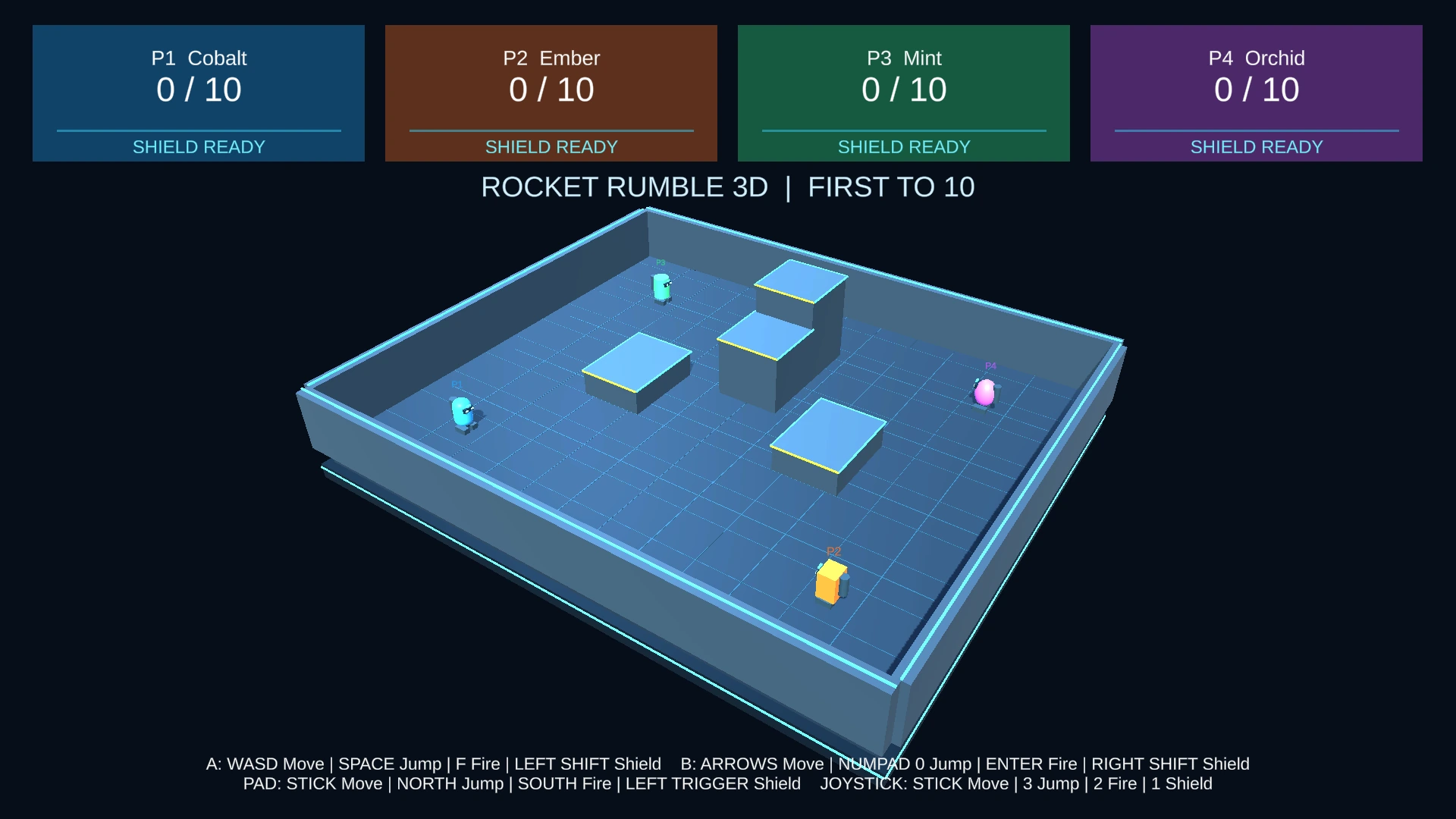
Use shared keyboard roles, standard gamepads and profiled generic joysticks. Rebind controls through input profiles, then choose a shared view or independent camera layouts with optional runtime switching.
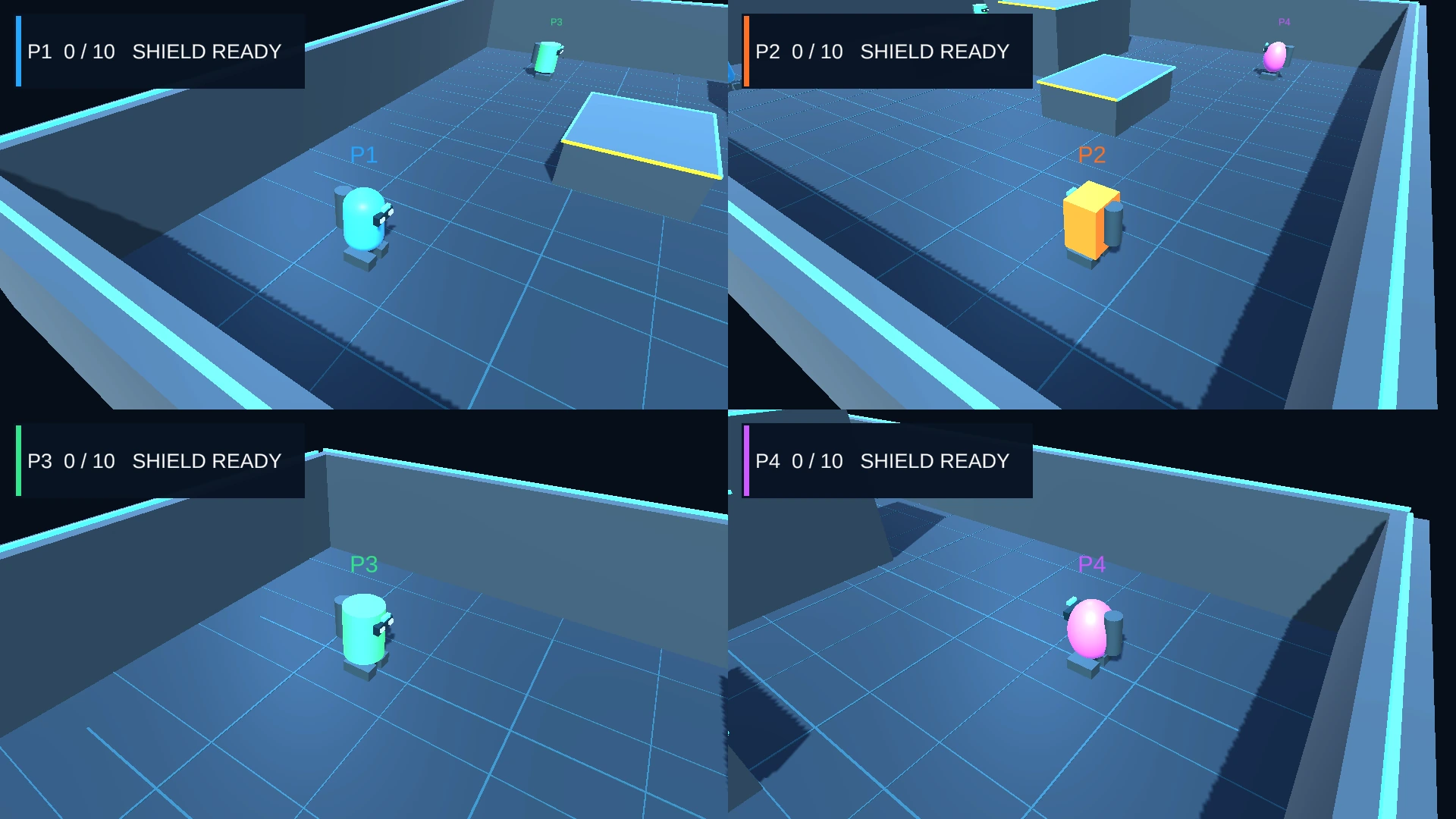
Follow the setup workflow, try Rocket Rumble in 2D and 3D, or experiment with camera layouts in the Split Screen Playgrounds. Open any capture to view it at full size.
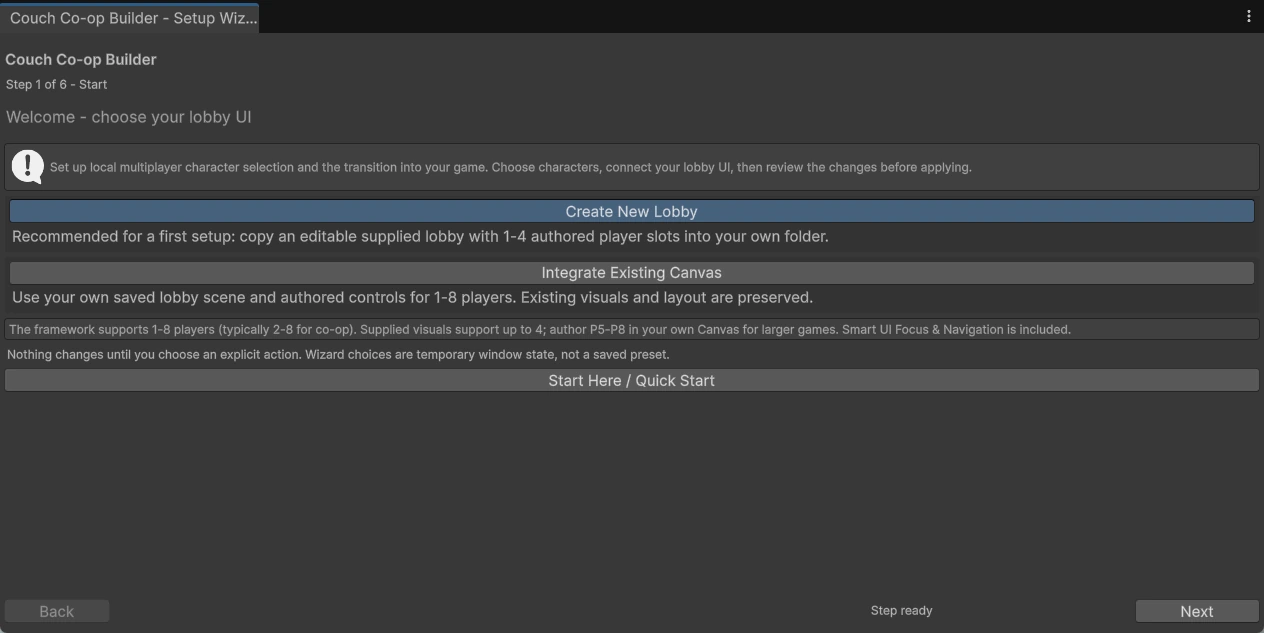
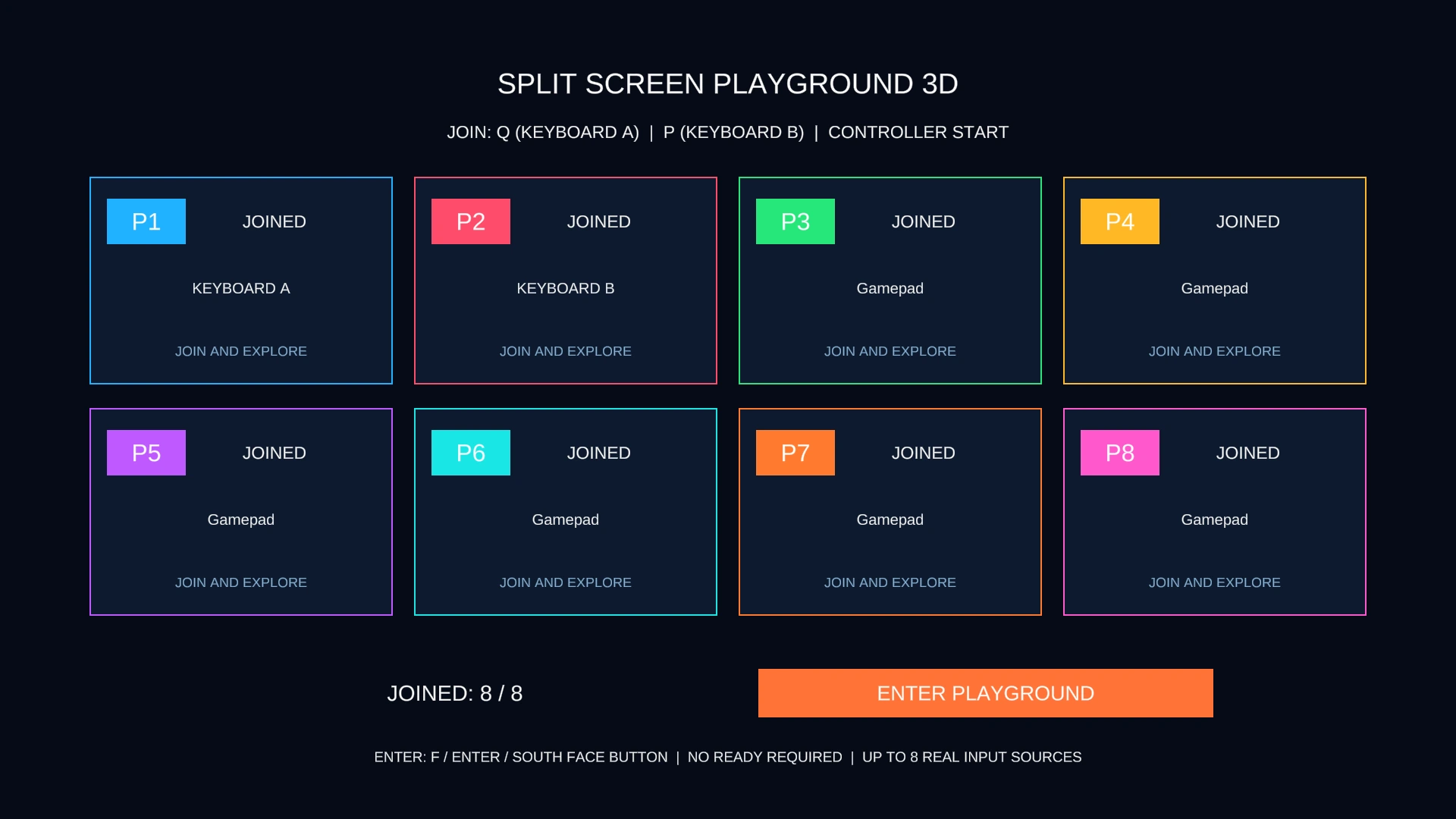
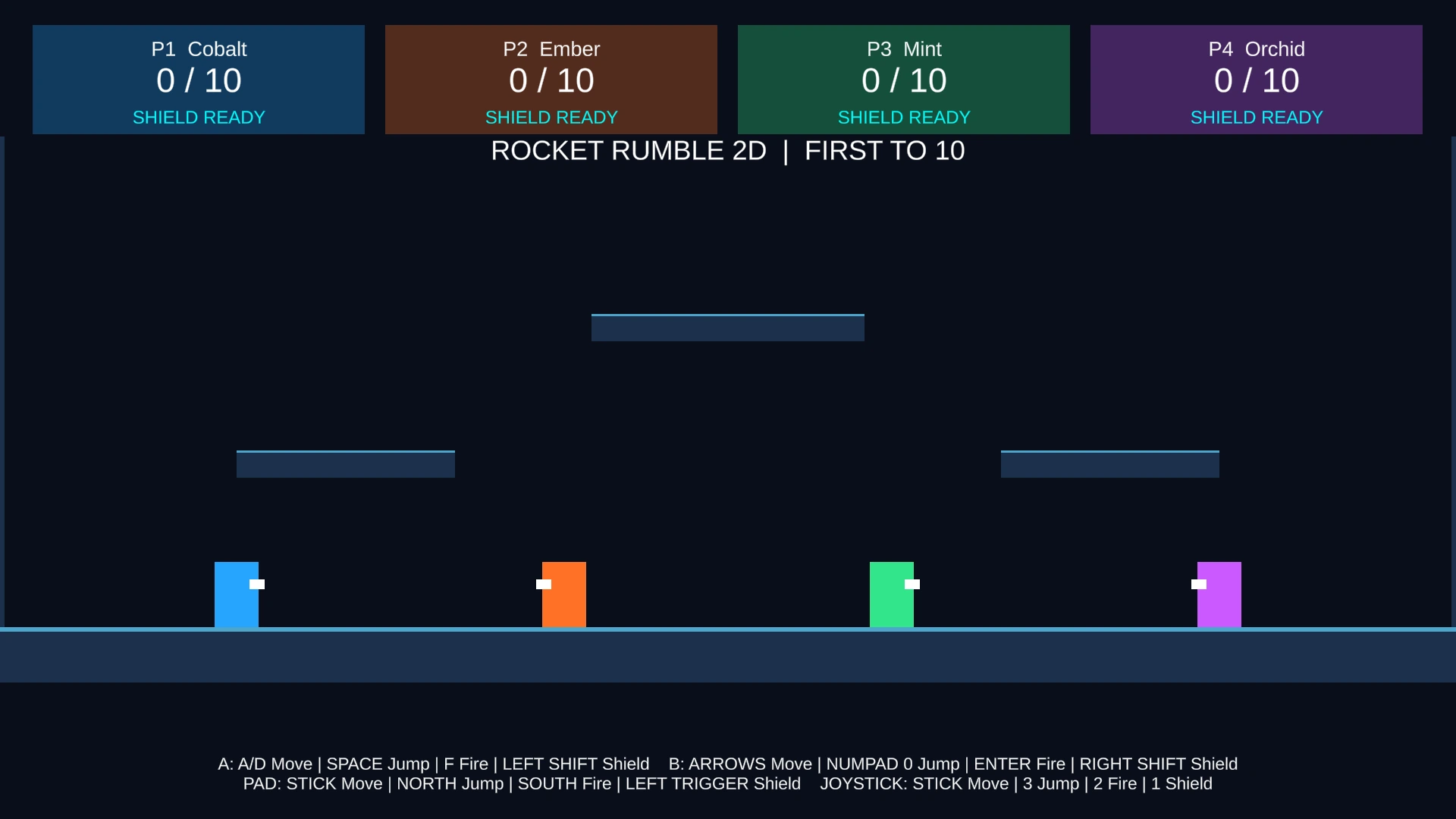
Setup Wizard · Rocket Rumble 2D · Rocket Rumble 3D · Playgrounds
| Workflow | Capacity |
|---|---|
| Framework / Existing Canvas | 1–8 local players |
| Supplied authored lobby templates | Up to 4 visual player slots |
| Rocket Rumble 2D / 3D | 2–4 players |
| Split Screen Playgrounds | 1–8 players |
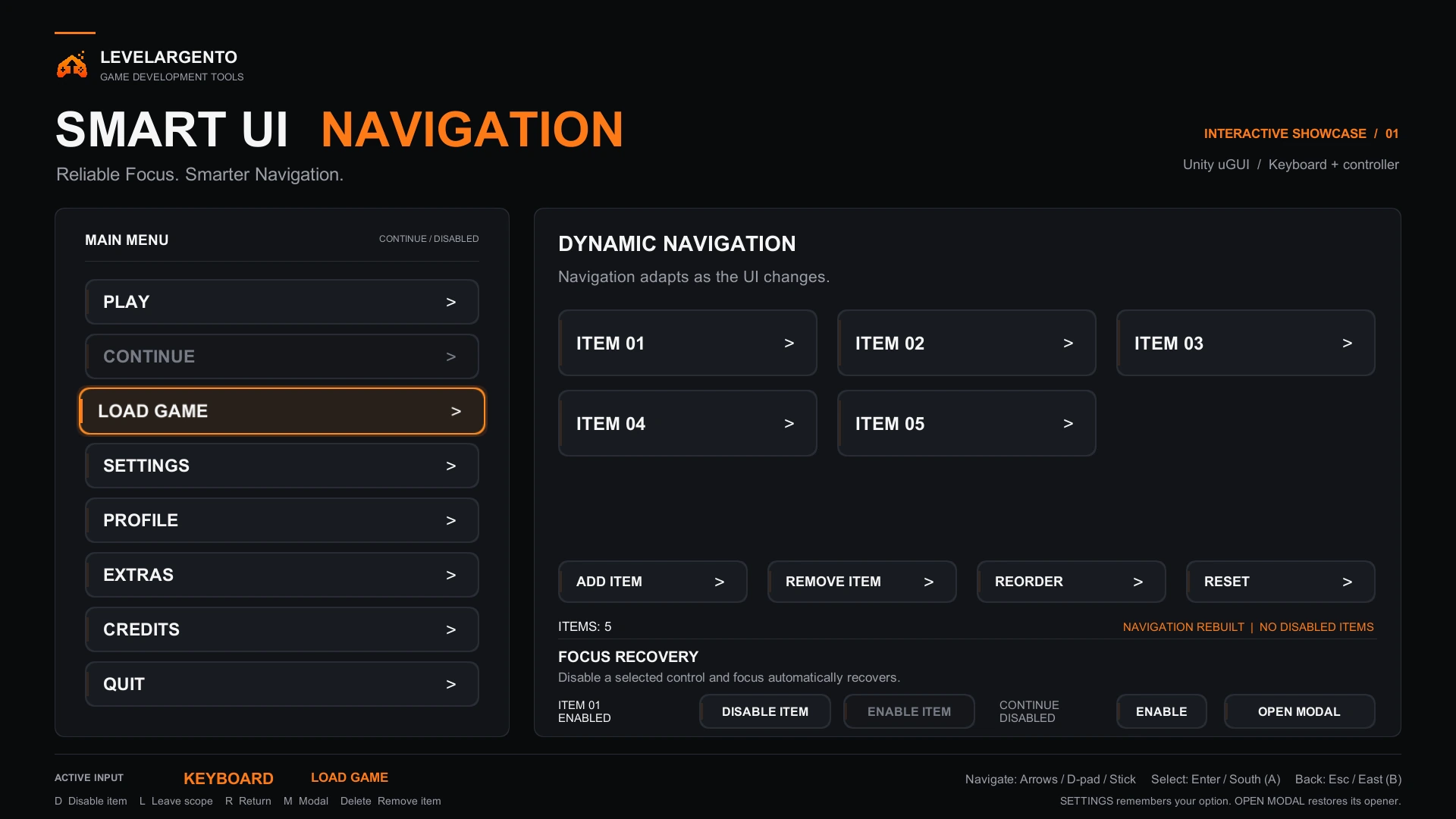
Smart UI Focus & Navigation is included with Couch Co-op Builder. Add focus recovery, remembered selection and navigation to your Unity uGUI menus. No separate purchase is required.
Validated with Unity 6.3 LTS for Couch Co-op Builder 1.0.0.
Unity Input System and Unity UI (uGUI / TextMeshPro). Import TMP Essential Resources for the UI samples.
Supplied visual and game samples use URP. The core architecture is not inherently tied to URP. No mandatory Cinemachine dependency.
Coming to the Unity Asset Store
Download the PDF manual for offline reference.